
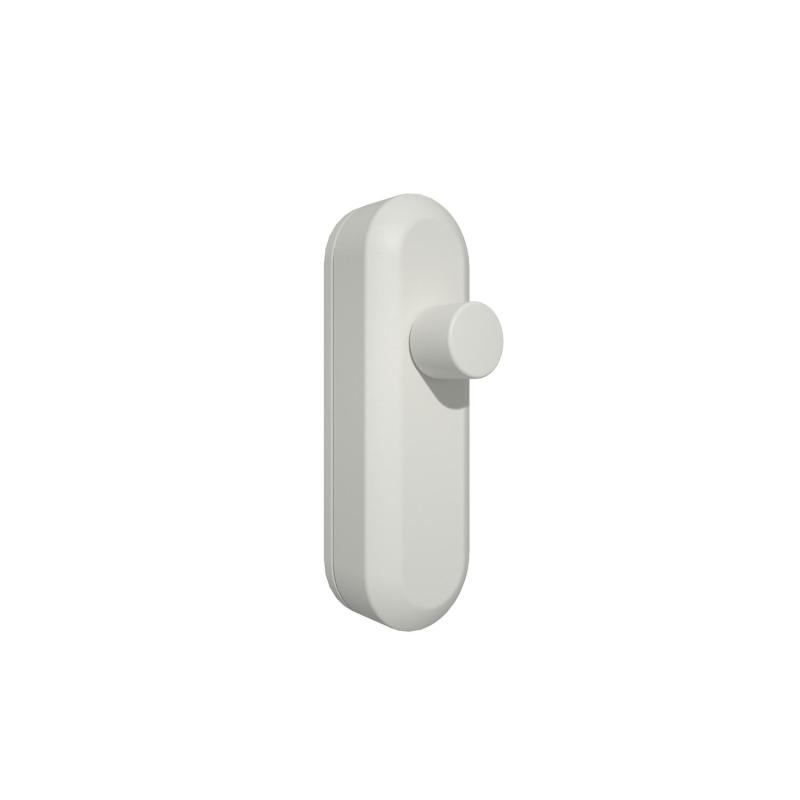
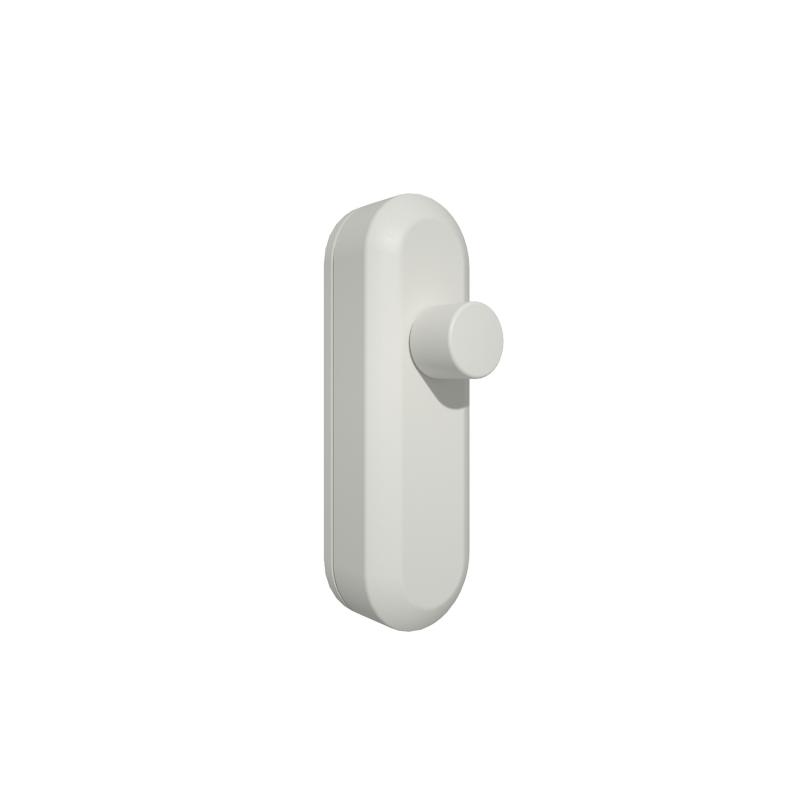
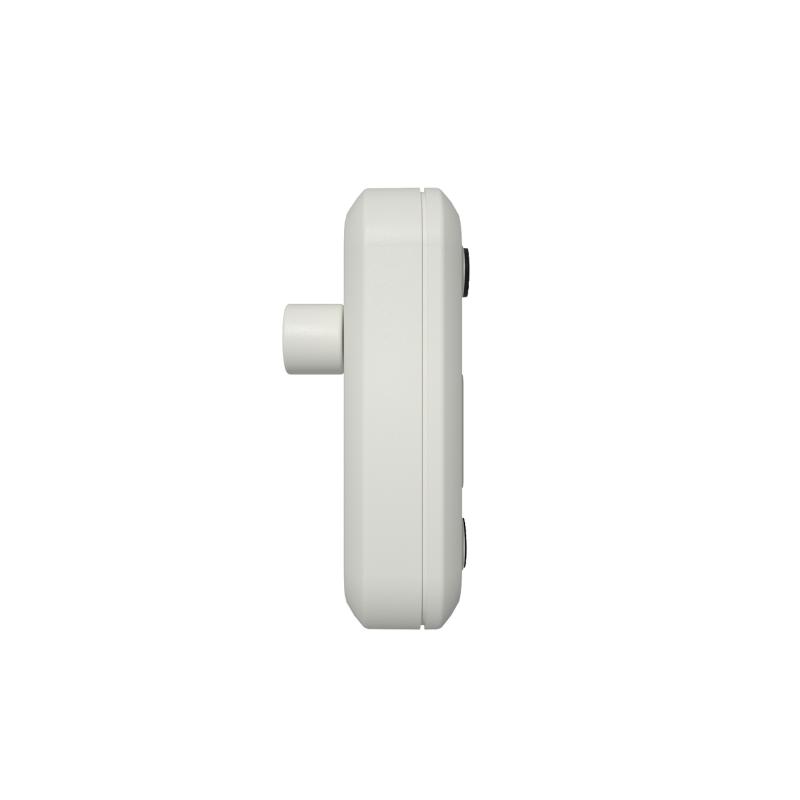
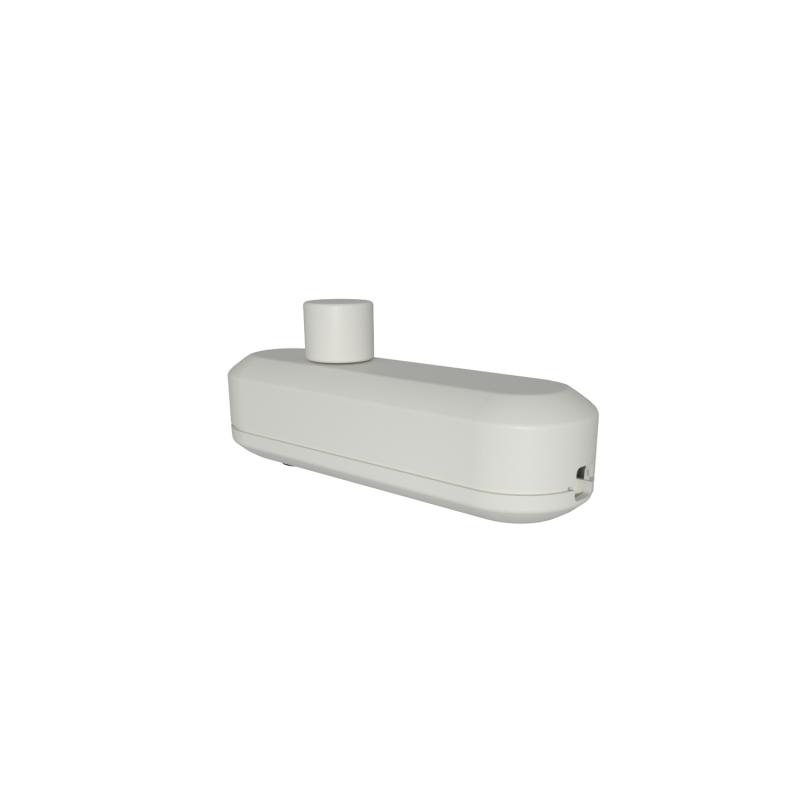
WiFi Dimmer Switch TRIAC for Table/Floor Lamps - White
Ref. Lyco: E12197
Colour White
VAT not included £27.91
£33.49
Delivered in 8 to 14 working days
30 Day Return
Under our Change Your Mind Guarantee you can return your item within 30 days for a refund using our hassle free return portal.
For more information view our Returns policy.
24h Free Delivery on Orders Over £70
If you place your order today before 8:45 pm, delivery within 24/48h (working days).
Shipping is free on purchases over £ 70.00 (incl. VAT).
Please note this delivery service is subject to stock availabilityFull conditions here: Delivery methods.
100% secure payments


At Lyco we strive to protect your security and privacy. We use payment methods that guarantee your security. Both your personal and bank details are protected with all the security measures established in the current legislation
Up to 5 year warranty
Our warranty service of up to 5 years guarantees the replacement, repair or refund of defective products.
You will find the exact product warranty in the technical details.

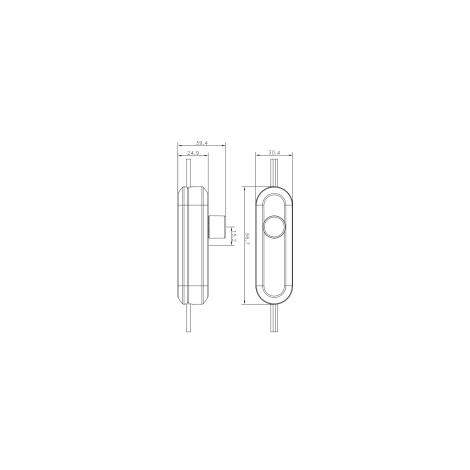
Dimensions
- Width30.4 mm
- Depth39.4 mm
- Height96.7 mm
Certificates and Stamps



Technical Specifications
Materials and Finishes
- ColourWhite
- Fitting MaterialPC
Electrical Features
- DimmableYes
- Frequency50-60 Hz
- Max Wattage50 W
- Voltage Range220-240V ACVoltage level required for the product to function correctly.
Product Information
- BrandLyco
- CertificatesCE, RoHS, UKCA
- Guarantee3 years
- Product SeriesPhase
Product Data
- Product FormatDimmer Switch
- Product typeSwitch mechanisms
Driver Information
- AppSmart Home, Tuya Smart
- ConnectivityWi-Fi
Mechanical Features
- IP RatingIP20The IP protection indicates the level of resistance of a product to dust and water. The higher the number, the more protected it is.
- LocationIndoor

Description
The WiFi Dimmer Switch for Table/Floor Lamps is the ideal solution for replacing the dimmers of table or floor lamps in your home with a touch of design. Specially designed for dimmable LEDs, incandescent lamps and halogen lamps. Available in two colours, they are highly resistant and durable. It works both manually and via WiFi through the TUYA app.
Characteristics of the Smart WiFi TRIAC Dimmer Switch for Table/Floor Lamps
The WiFi Switch Dimmer for Table/Floor Lamps allows you to control the intensity of all those products with LED technology up to 50W that accept dimming from 0 to 100% and incandescent and halogen technology products up to 100W.
With this LED Dimmer we have the possibility of creating different atmospheres in the same room adapting the luminosity according to the needs, all this with a single turn of the controller. They have the standard size, so they can be a replacement for any classic table or floor lamp switch.
Designed to be connected to both flat and round cables. Its operation is very simple, pressing the button you can turn on and off the luminaire connected to this and turning this regulates the light intensity of this. It does not generate noise or cause flickering problems.
Operation of the Smart WiFi TRIAC Dimmer Switch for Table/Floor Lamps
The device is controlled by the TUYA application. The APP is available for iOS and Android operating systems. It can be downloaded from the App Store and Google Play respectively.
- Download the Tuya Smart app from the App Store or Google Play Store.
- After installation, press and hold the reset button for more than 5 seconds until the red light starts flashing rapidly (If the indicator light flashes slowly, press the reset button again until the flashing is rapid).
- Open the Tuya application and press the "+" symbol in the top right corner of the screen.
- Choose "lighting" and the "lighting (wifi)" tab and follow the instructions.
- It is necessary to enter a wifi password before pairing is initiated.
- The indicator light will stop flashing when the pairing is successful and the operation screen will be shown on the display.
- You will be able to control your lights remotely.